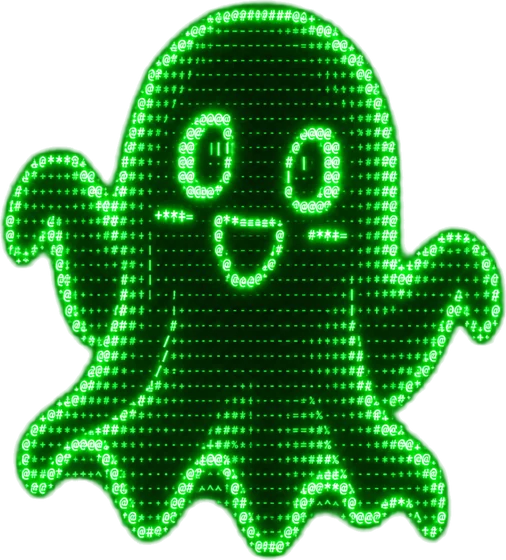

$ free ai ascii art generator
Draw anything.
In text characters.
Turn a prompt or a photo into ASCII art — classic keyboard glyphs, block shading, braille dots, glowing phosphor — then edit it, upscale it, or animate it into a clip.
~/explorefresh from the community
ls --all →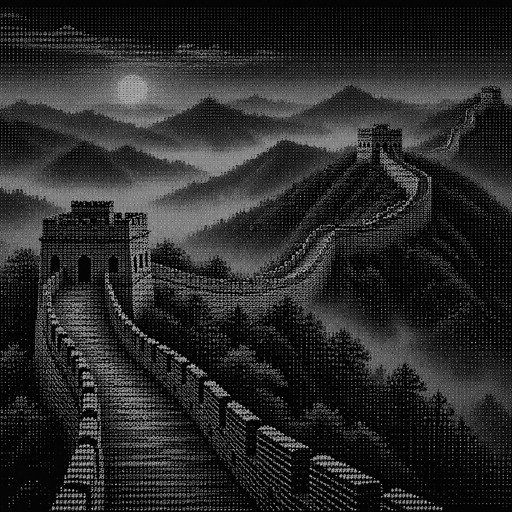
Great Wall of China
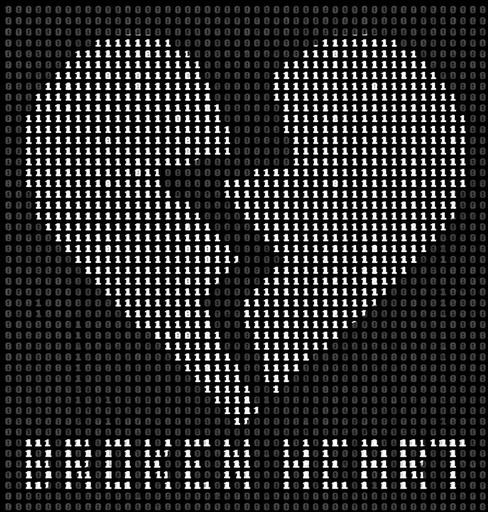
ASCII art of a broken heart with a crack and text below.
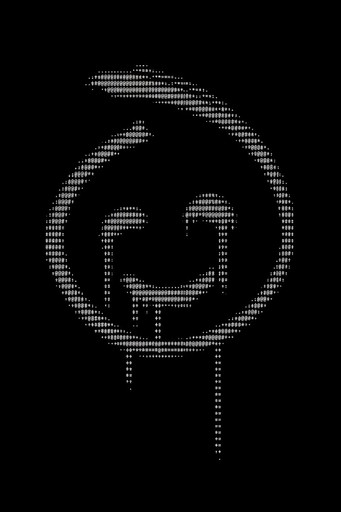
White ASCII-style smiling face on a black background.
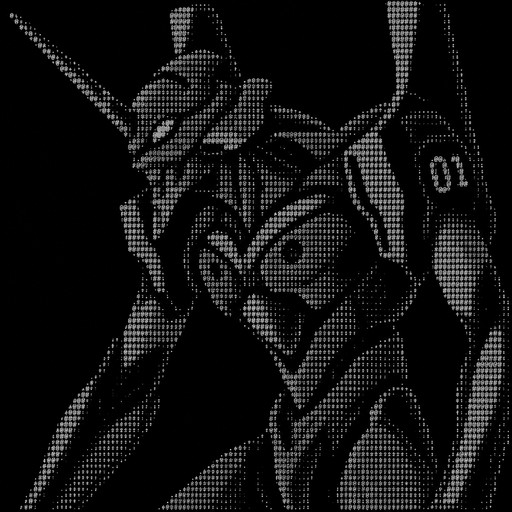
Eva 01 from neon genesis evangelion
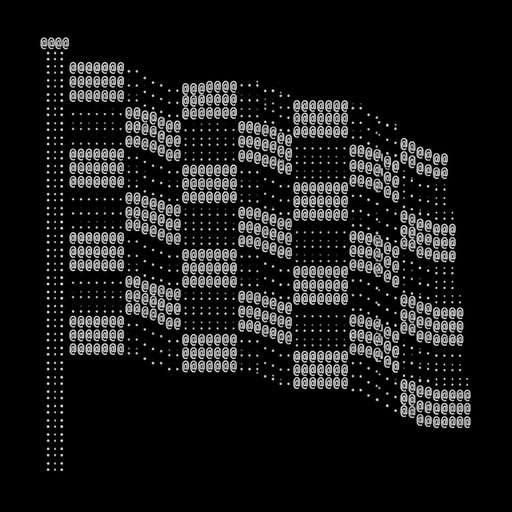
Checker Flag
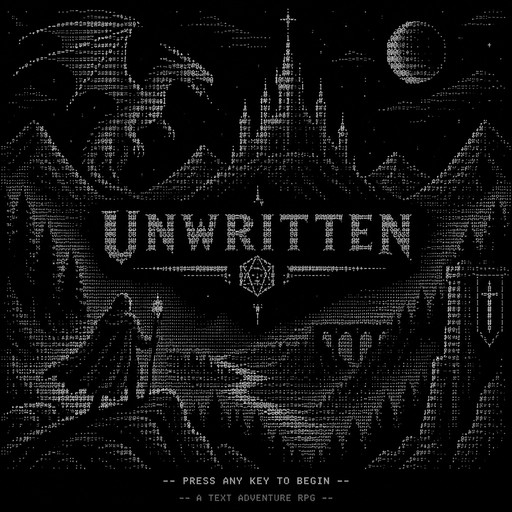
I need a text adventure rpg splash screen. the name of the game is UNWRITTEN. create a dnd themed mystical nice ascii art splash screen with 100 chars in width
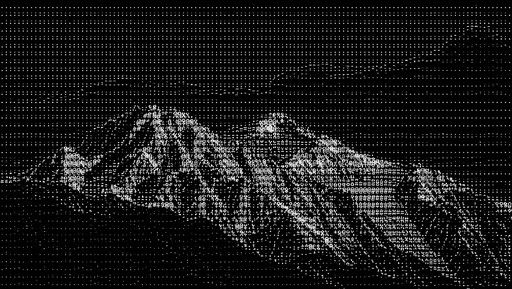
Monochrome ASCII art of a rugged mountain range beneath a dark sky
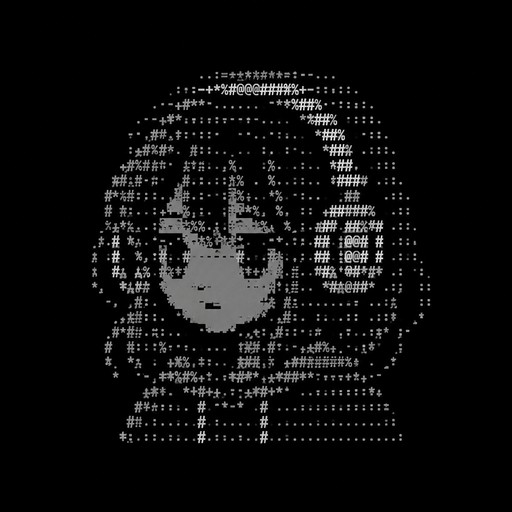
a simple lowpolly girl with headphone in 10 lines and under 240 characters
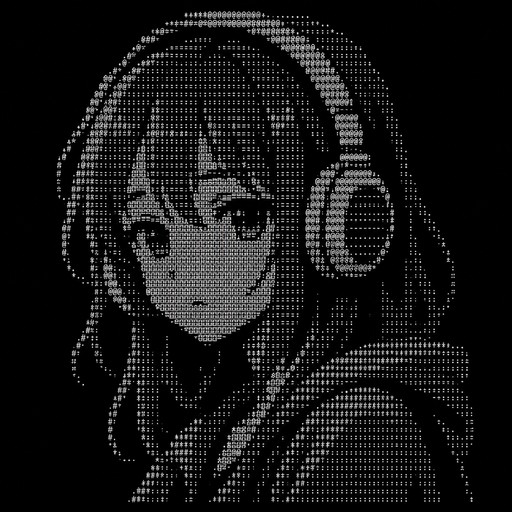
a simple low polly girl with headphone
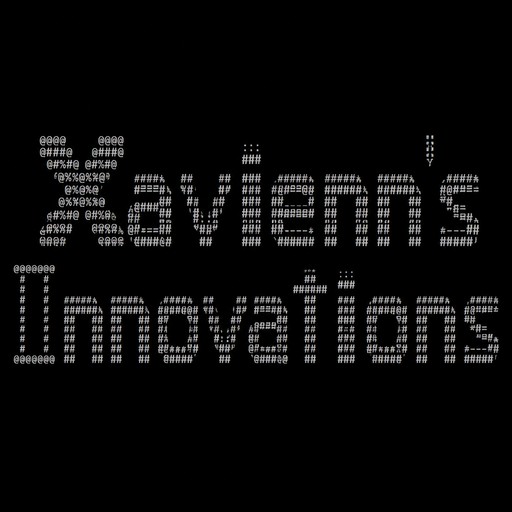
Xavienn's Innovations
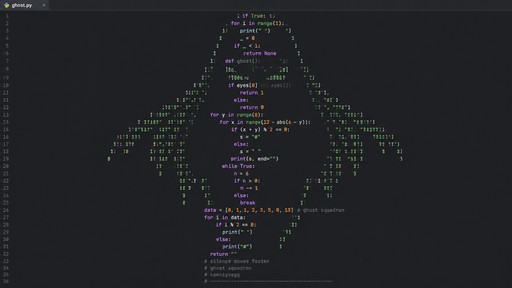
give me a ghost like from the ghost squadron logo on koenigsegg cars
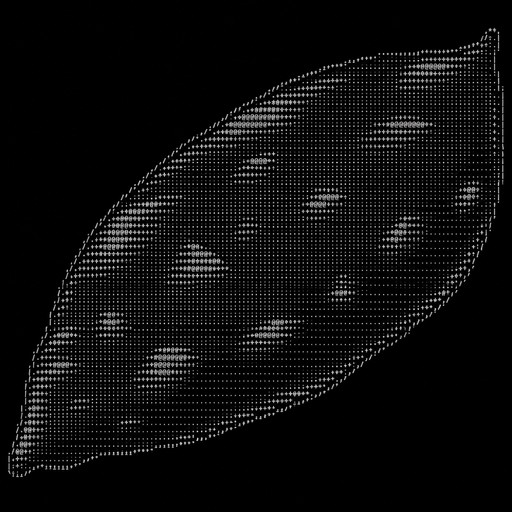
いもの超巨大輪郭アスキーアート(輪郭は、/ \ | , . +を使う)
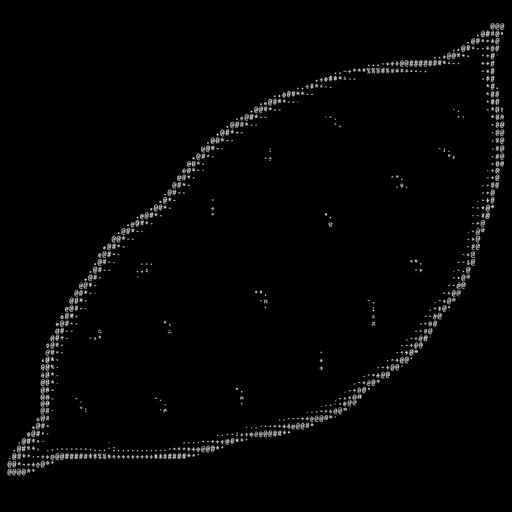
いもの超巨大輪郭アスキーアート
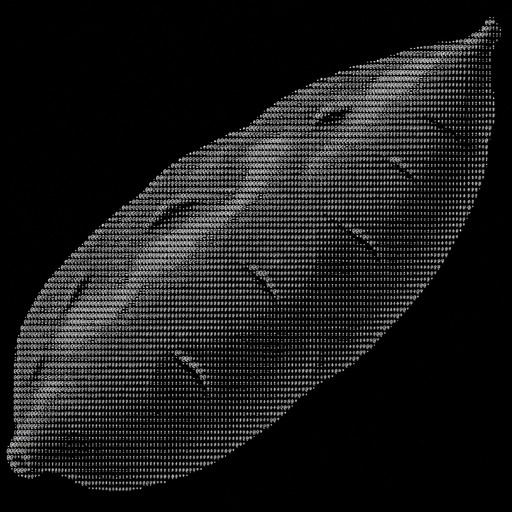
いもの巨大アスキーアート
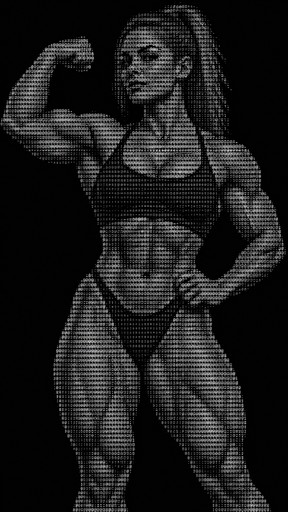
Draw a muscular woman posing for the camera in hyper fidelity ascii art.
Панель в стили христьянства с выемками для персонажей дота 2
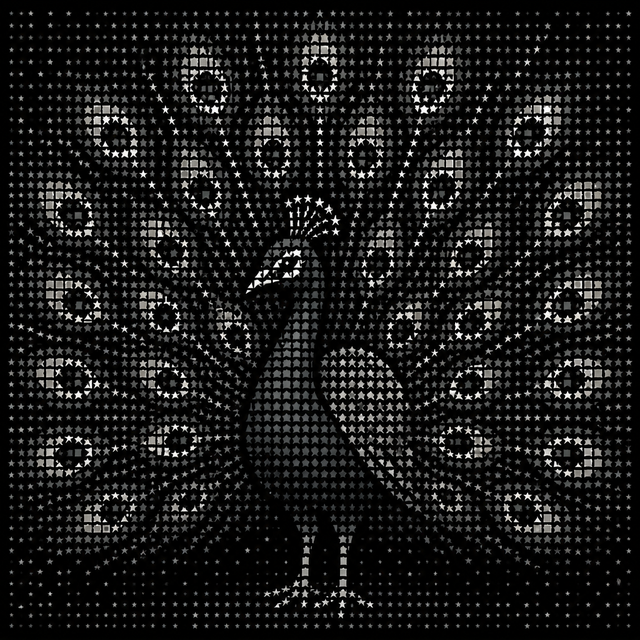
White ASCII-style bird with outstretched wings on a black background
Black-and-white ASCII art of a person waving beside a rectangular frame.
Monochrome ASCII-style illustration of a person seated beside musical equipment.
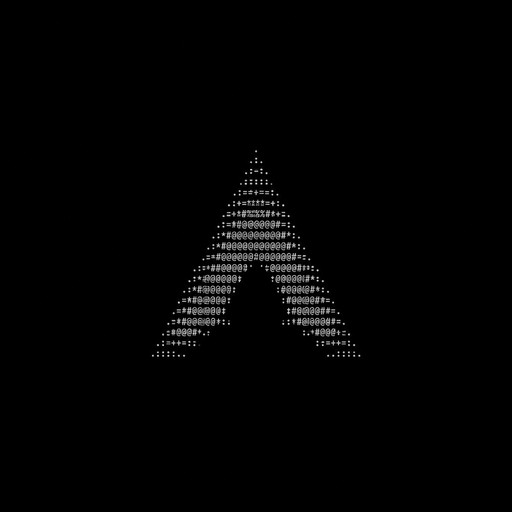
arch linux logo small but very detailed
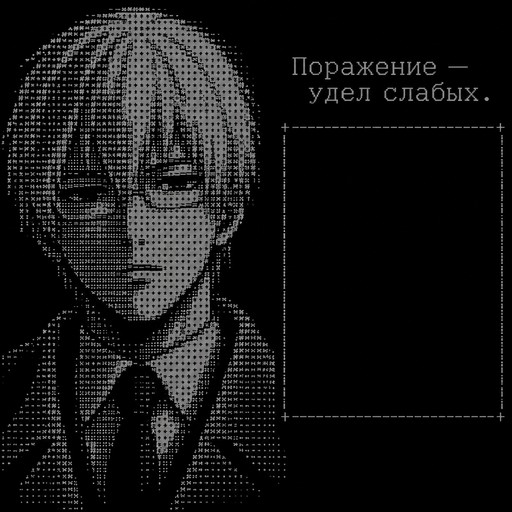
Arima; to his right is an empty rectangle, and above it, an inscription in Russian: "Defeat is the lot of the weak."
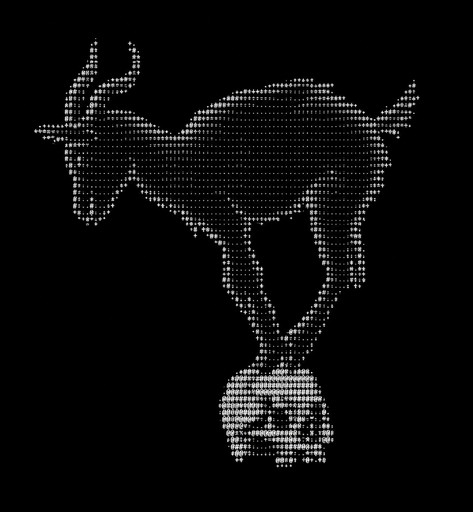
White ASCII art of a goat balancing on a ball.
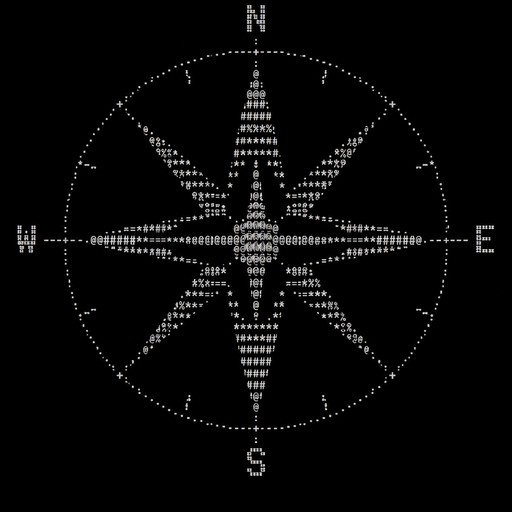
compass
Monochrome ASCII art of a symmetrical abstract emblem with geometric and floral motifs.
One studio. Every way to make text art.
Text to ASCII art
Type a few words and watch them render as text-character art in any of 48 styles.
> run_Photo to ASCII art
Upload any photo and convert it — classic keyboard characters, block shading, braille dots, and more.
> run_ASCII animation
Generate short clips from a prompt, or animate any ASCII artwork you've made into a video.
> run_Edit & upscale
Refine any creation with plain-English edits and upscale it up to 128 MP for print or wallpapers.
> run_~/styles48 ways to render text
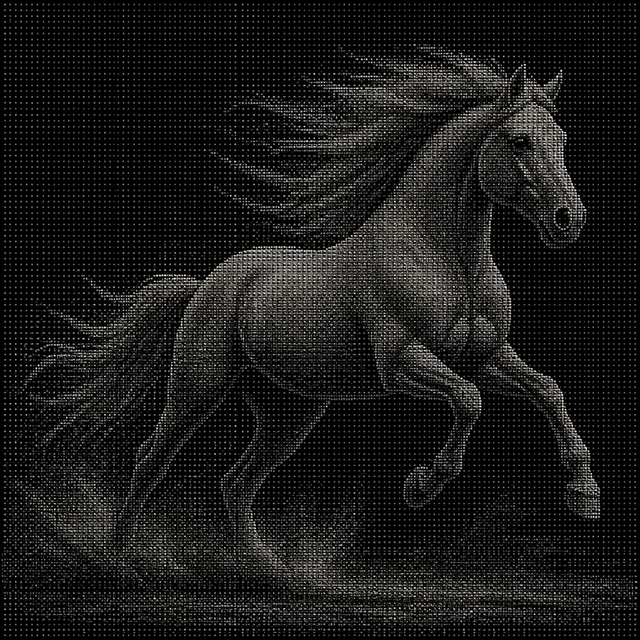
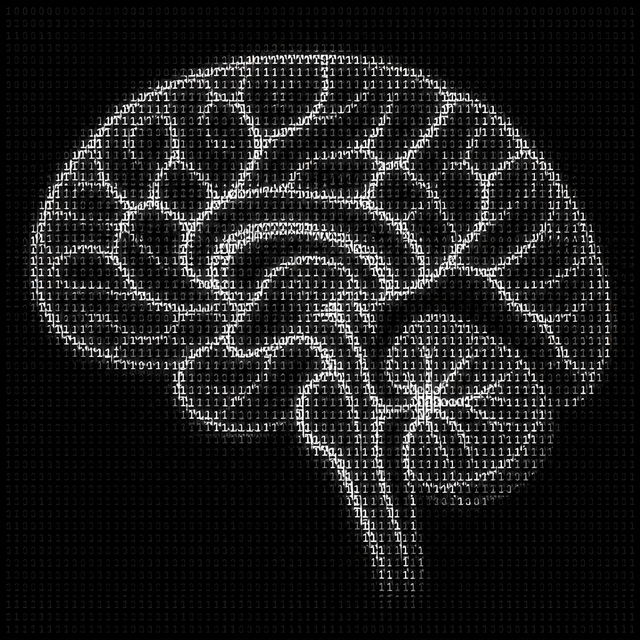
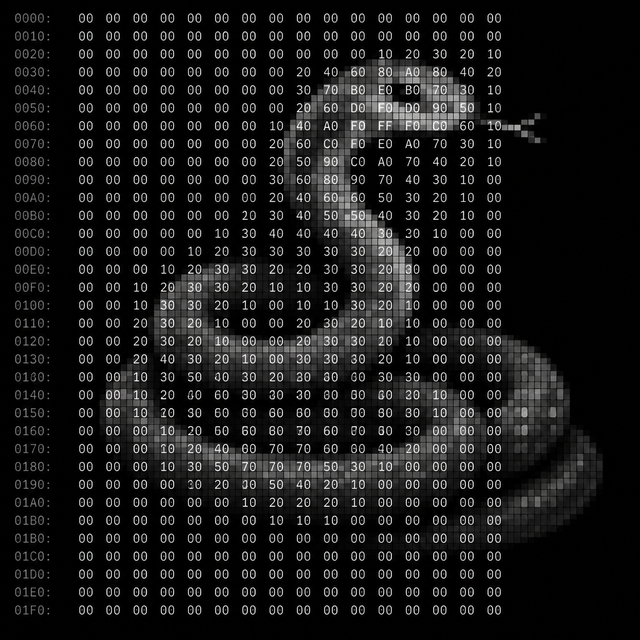
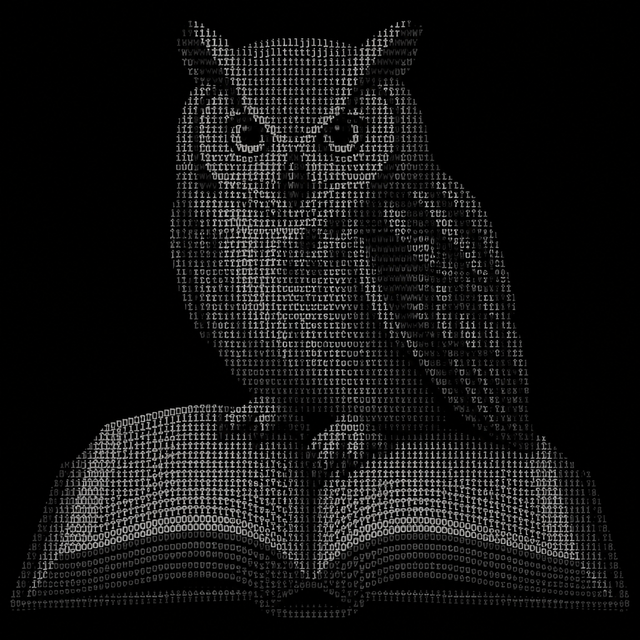
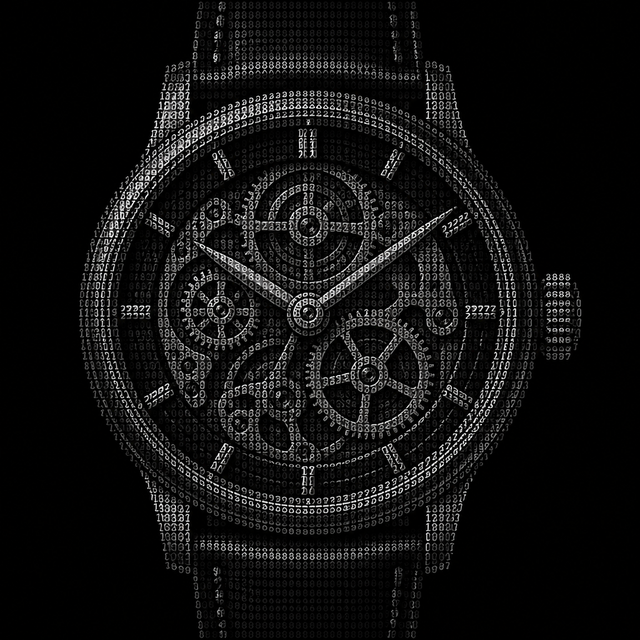
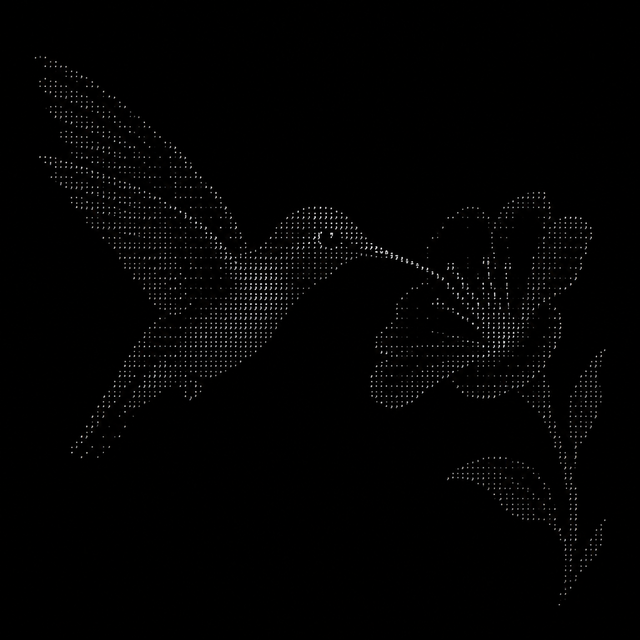
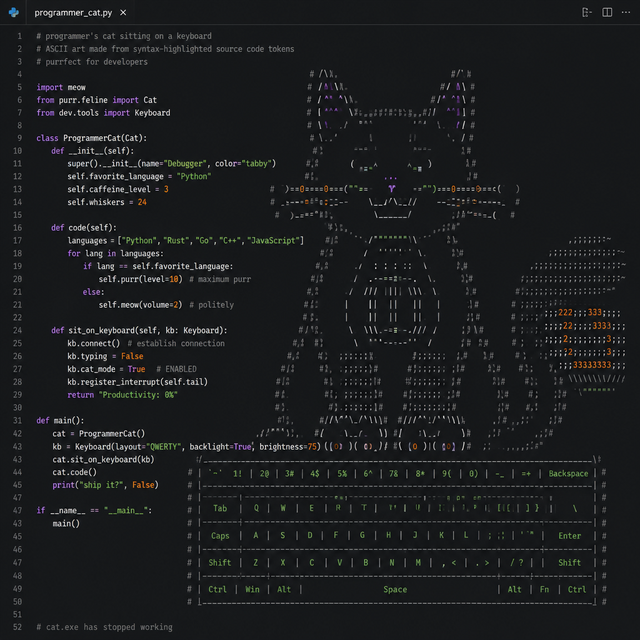
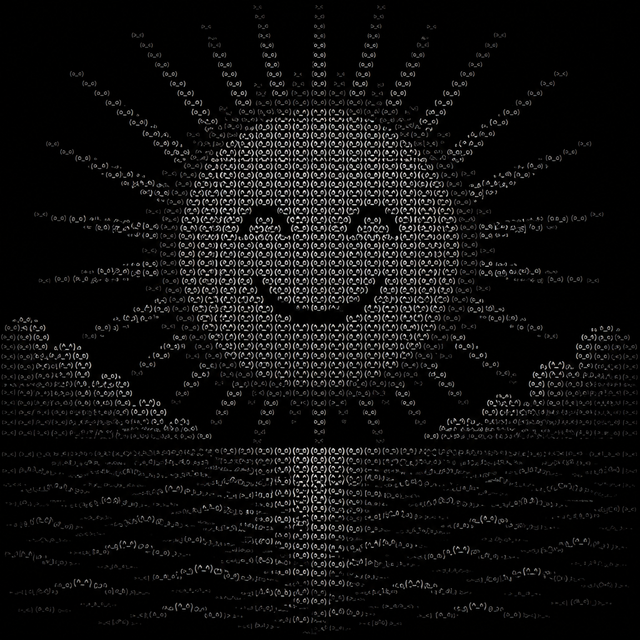
ls styles/ →Classic keyboard characters, block shading, braille dots, green and amber phosphor, typewriter, digital rain, and 42 more. Every style works for prompts, photos, and video.
$ frequently asked questions
How does the AI ASCII art generator work?
Describe what you want in a few words, or upload a photo, and pick one of 48 styles — classic, block shading, braille dots, green phosphor, digital rain, and more. The AI renders your idea as a high-resolution ASCII art image in seconds. From there you can edit it with plain-English instructions, upscale it, or animate it into a short clip.
Is ASCII Art free?
Yes — sign in with Google and get 2 free credits, and nothing you make carries a watermark. A standard artwork costs 1 credit. To keep creating, Creator is $9/month for 250 credits and Pro is $29/month for 1,000, or grab a one-time pack: Starter ($12, 250 credits) or Mega ($40, 1,000 credits).
Is the output plain text or an image?
It's an image. Every result is a high-resolution picture that looks like ASCII or text-character art, which you download like any other artwork — it is not copy-pasteable text. That's what lets it hold fine shading, phosphor glow, and print-quality detail.
Can I turn a photo into ASCII art?
Absolutely. Upload any photo — a selfie, a pet, a landscape — choose a style like text portrait or block shading, and the AI re-draws it as an ASCII art image. You can then refine it with edits or upscale it up to 128 MP.
Can I animate my ASCII art?
Yes. Generate an ASCII-style video straight from a text prompt, or start from a photo and animate it into a short clip of 4 to 15 seconds. Video is billed per second, so you only pay for the length you choose.
Who owns what I make, and is it public?
You own everything you create. Creations appear in the public community feed by default; subscribers and pack buyers can make theirs private. See our Terms of Service for details. Since copyright law differs from country to country and we're not able to provide legal guidance, consult a lawyer about any specific use.